FAQs
How do I update and view the Event Log of my Alarm Lock locking device?
To update the DL-Windows Event Log and view the latest information:
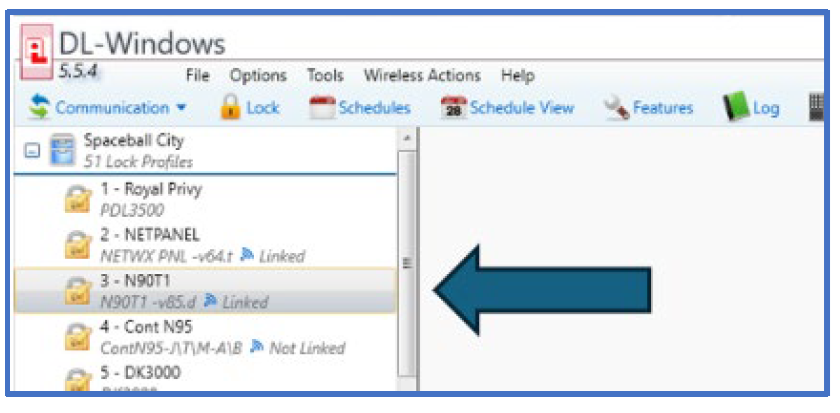
- Select the Lock Profile:
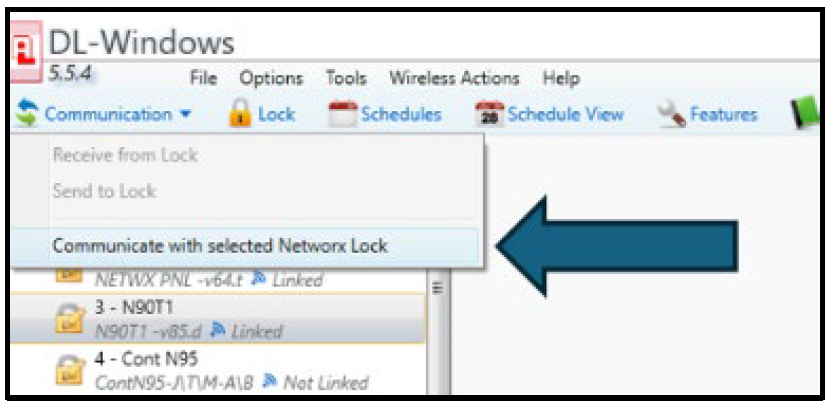
- Select Communication > Communicate with selected Networx Lock:
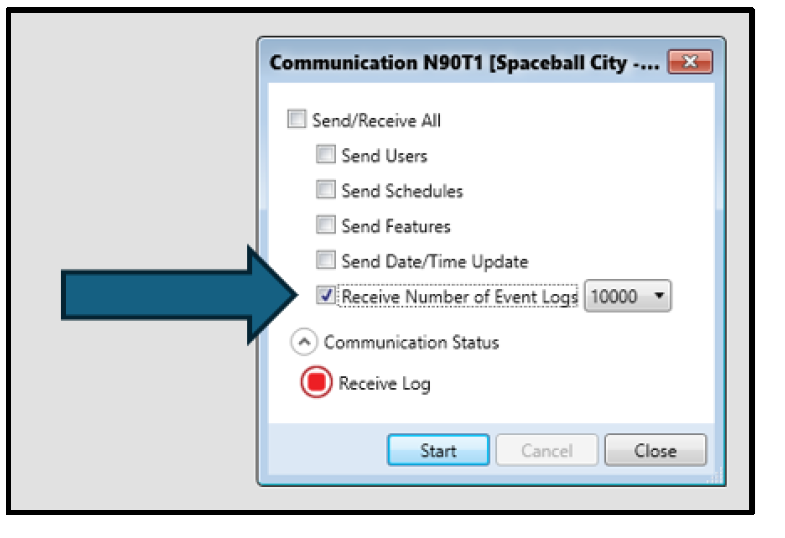
- Select Receive Number of Event Logs and choose the number of logs you wish to view, then select Start.
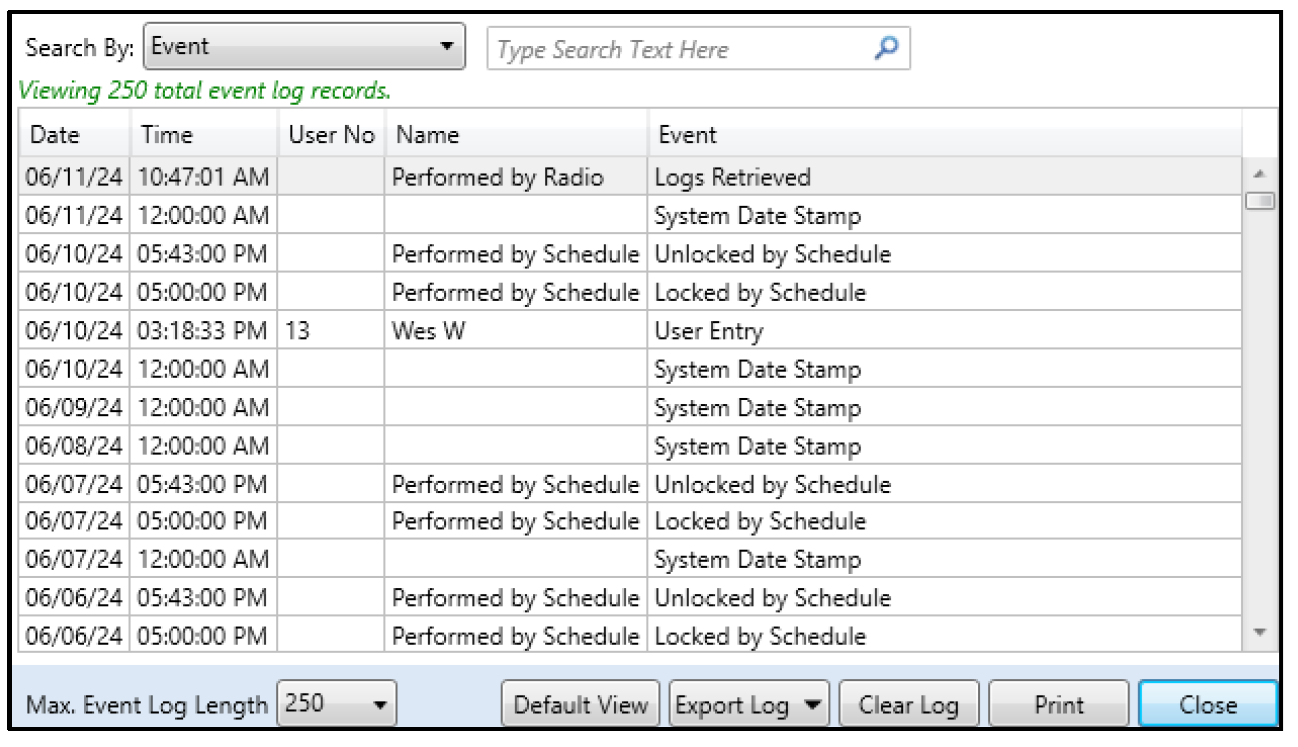
- The Event Log populates in a new screen where you can view the latest information: